Share


Bufferbloat is high latency (lag) that appears when there’s other traffic on the network. It happens when buffers in routers and other network equipment are too large and nothing manages the queue in them. A big download or upload fills them, and every other packet, including your video call or game, waits in line. A faster connection doesn’t fix it. Queue management does: algorithms such as FQ-CoDel and CAKE keep the queue short.
Many people misunderstand bandwidth and network speed and think latency doesn’t matter over fiber. But that’s not how it works. You’ve got a 10Gbps fiber connection shared with a few others and not even coming close to maxing out the total connection bandwidth. But despite that, latency is high and highly variable. The key here is to remember that bandwidth is not the only or even the main QoE factor these days.
Below we look at latency, bufferbloat and jitter, how to test a connection for bufferbloat, and what a broadband business can do about it on its own network.
Bandwidth is often the first thing people look at when comparing network connections. But, like you probably didn’t choose your last car solely based on horsepower—or even thought much about it—it’s rarely the most important factor in networking technology.
The truth is that bandwidth has never been a measure of network speed, even though these terms are often (but not correctly!) used interchangeably. It’s like the width of a water pipe—it measures how much data can flow through a network per second. Higher bandwidth lets more data flow at once, but it is only one of the factors affecting overall network performance and speed. A few others are bufferbloat, packet loss, latency and jitter. All of them can make a high-capacity link feel slower than its bandwidth suggests. When the delay comes from bufferbloat, buying more bandwidth won’t make Netflix, Fortnite, YouTube, or regular web pages load any faster.
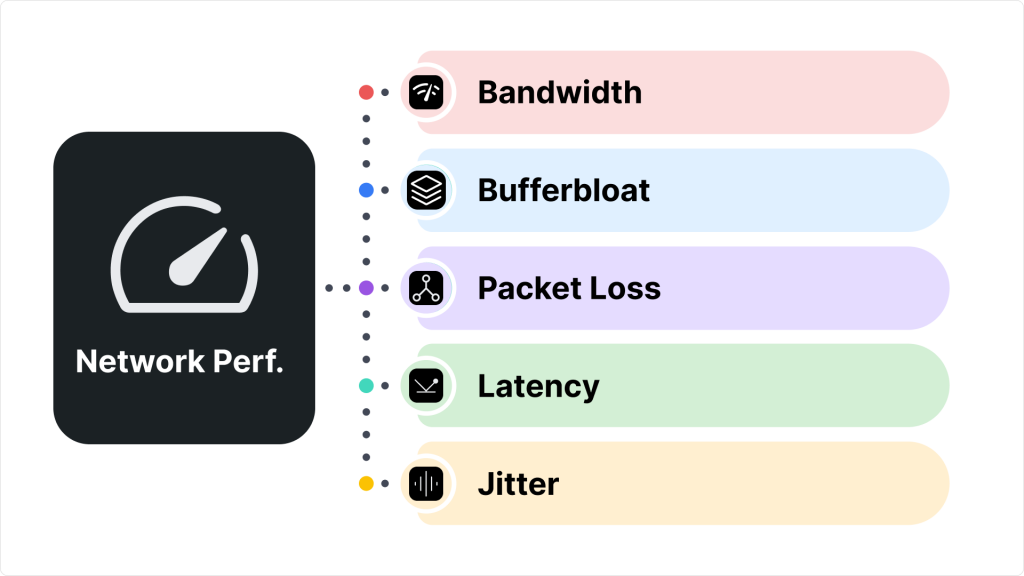
An end-to-end network path usually consists of multiple link connections, each with a different bandwidth capacity. As a result, a link with the lowest bandwidth is frequently described as the bottleneck because it can limit the overall capacity of all connections in the path. The time between the start and end of each signal transmission adds latency over an individual link. In fact, loss, latency, jitter and out-of-order delivery are the four quality criteria for bandwidth.
If bandwidth is the amount of information sent per second, latency is nothing but time a data packet travels from one point to another across a network. It’s basically a lag/ delay you experience while waiting for something to load. And it’s typically measured in milliseconds (ms).
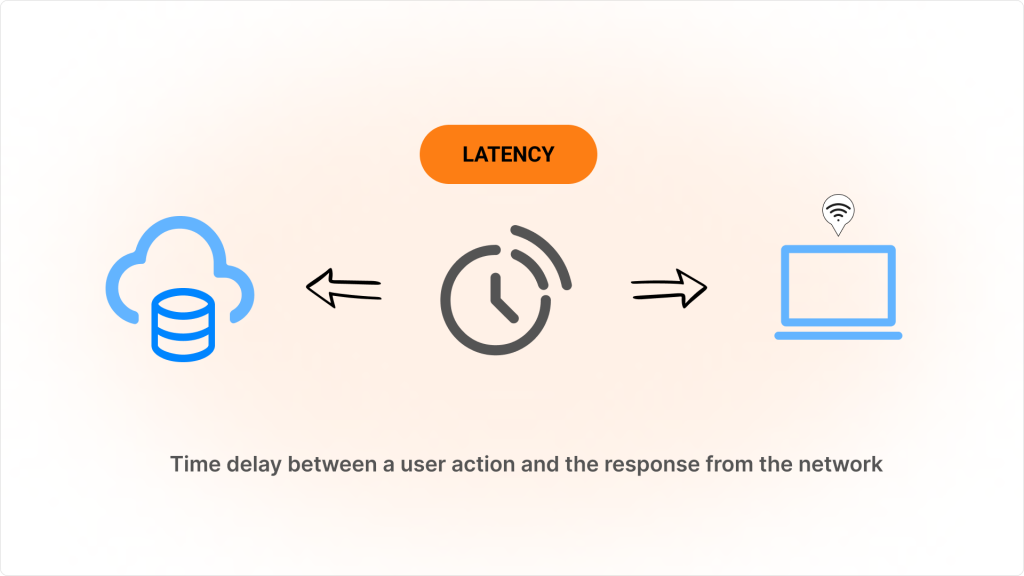
What causes latency? Typically, there are two main factors: congestion and/or distance. The “last mile,” which is the final leg of the network that connects end users to the internet provider’s infrastructure, matters most. NetForecast’s residential latency benchmark puts it plainly: “latency in the last mile is the major contributor to user frustration.” Fiber optic networks generally have lower latency compared to copper-based technologies like DSL or cable.
Understanding and addressing last-mile latency can be crucial for anyone looking to improve their internet performance. This often requires solutions like lower-latency connections or ISP-managed services prioritizing stable latency rather than just increasing raw bandwidth, especially in real-time communications and systems requiring quick response time.
Network congestion is another common cause of network latency, and here bufferbloat and jitter come into play.
Do your video or audio calls sometimes stutter? Do you experience a lag in video games, or does your web browsing slow down? If so, bufferbloat may be to blame.
Internet traffic travels over diverse paths with varying times and bandwidth. To deal with these traffic flow variations and bursts, we use buffers as temporary storage areas. They are everywhere: in routers, NICs, and network boundaries. When someone sends a large file, many packets are sent at once, so the router temporarily holds all the packets in a queue, causing new packets to wait until the others go through.
Bufferbloat happens when buffers in networking equipment (like a router or switch) are too large and nothing manages the queue in them. A large upload or download fills them up (they become “bloated”) and keeps them full, so every new packet waits behind the queue. That causes spikes in your Internet connection’s latency when a device on the network uploads or downloads files. The most straightforward analogy here is sink (your router) and narrow drain (your connection to the ISP, since it’s probably the slowest link in your network). That is what happens when a flow uses more than its fair share of the bottleneck. This might be very familiar to those often stuck in traffic jams in big cities or in line at the grocery store.
And while packets travel through today’s statistically multiplexed networks, timely packet loss is natural. When packets are dropped, TCP congestion control methods manage network congestion. With large buffers, packets enter instead of being dropped and bufferbloat prevents TCP from controlling flow. This can have detrimental results, including higher latency and jitter.
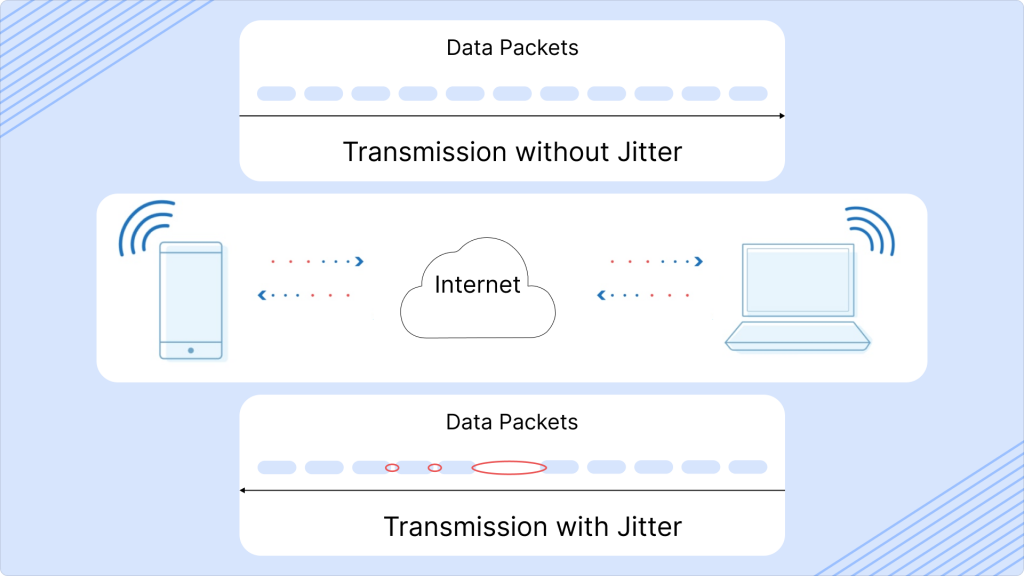
A jitter is a submeasurement of latency (variation in latency over time) that reflects the difference between delays in the transmission series of packets through a network over time. It indicates how stable this connection is.
As mentioned earlier, high latency, bufferbloat, and jitter all lead to delays and interruptions in network performance. Bufferbloat can increase latency, and inconsistent latency is jitter, which impacts the overall smoothness and speed of your online experience. Jitter usually disrupts VoIP calls, streaming, and online gaming by causing choppy audio, video issues, or lag. In severe cases, high jitter can lead to packet loss (when packets arrive too late to be useful), which results in errors, missing data, or the need to reload pages. Even ordinary web browsing may feel choppy or inconsistent.
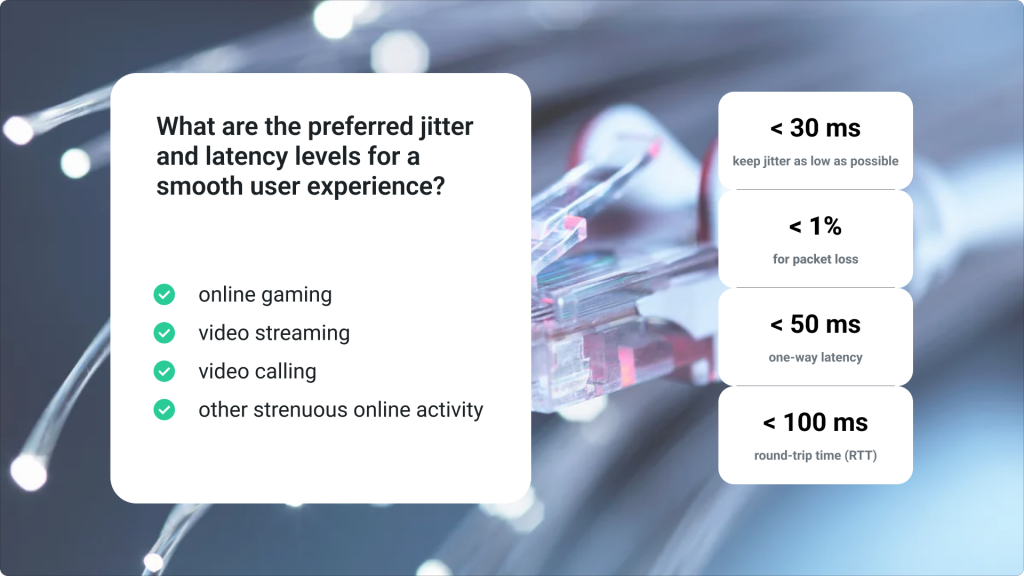
Buying a faster connection when link speed isn’t the problem wastes time and money. As bufferbloat.net puts it, if your router buffers more data than necessary, this adds delay that can never be cured by faster transmission rates.
A bufferbloat test compares latency in two states: when the line is idle, and when it’s busy with a download or upload. If latency jumps under load, the connection has bufferbloat. Several free web tests measure both:
Only make sure you’re connected over Ethernet cable, not over WiFi (significantly distorts results).
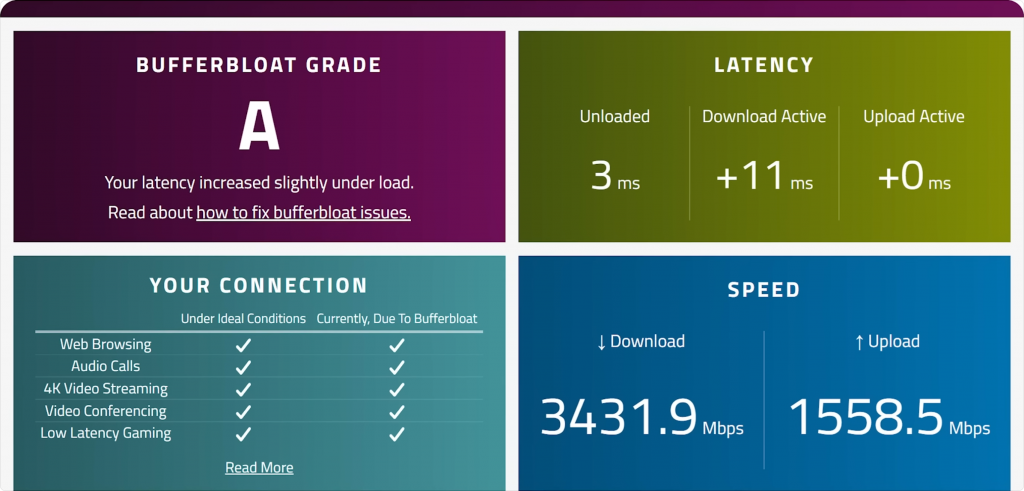
According to bufferbloat.net, if latency under load stays below 15–25 ms, bufferbloat is under control. If latency during the download or upload part of a test is high (say, above 50 ms) or a grade lower than B, you likely have bufferbloat.
No web test at hand? Start a ping to any well-known host in a terminal window, then run a speed test. If the ping times jump while the test uploads or downloads, the router on that path is probably bloated.
For network engineers, bufferbloat.net recommends Flent, and in particular its RRUL test, which loads the link in both directions and shows download speed, upload speed and latency in one set of charts. See Tests for Bufferbloat for more tools.
The quickest route to addressing bufferbloat, latency and jitter at the ISP level is to implement a Quality of Experience (QoE) middlebox. These middleboxes are designed to manage network traffic in ways that prioritize time-sensitive packets, ensuring smoother network performance even during high-traffic periods. By leveraging Smart Queue Management (SQM) in QoE middleboxes, broadband businesses worldwide can help mitigate the impact of bufferbloat and maintain stable latency alongside jitter levels. There are many different versions of SQM, and some are more effective than others. Popular algorithms for SQM include CAKE, FQ-CoDel, and PIE, each optimizing packet flow to reduce congestion and improve the end-user experience.
Two terms often get mixed up here:
The common algorithms are documented by the IETF and the bufferbloat project:
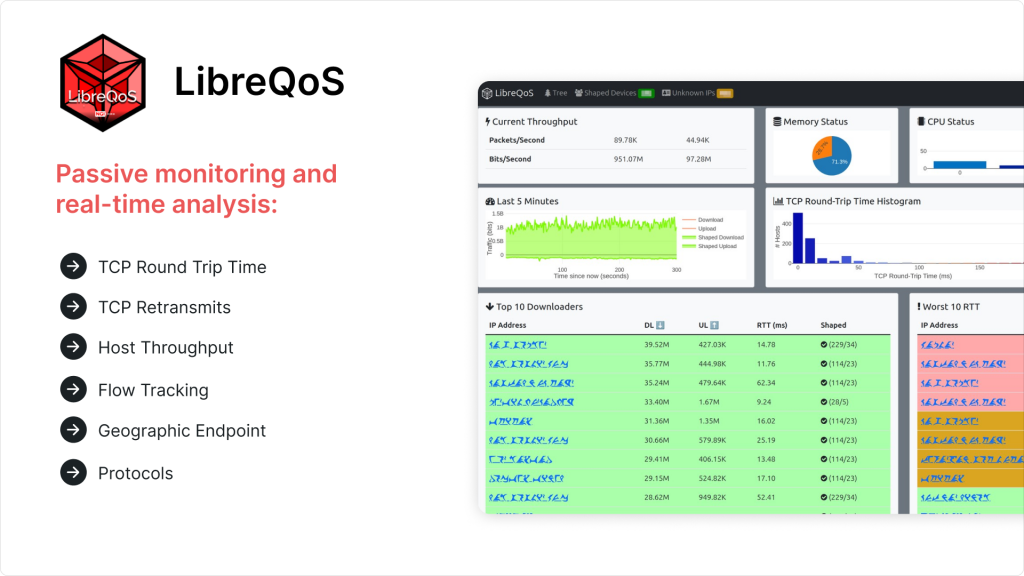
QoE middleboxes with SQM implementation tailored for broadband businesses include solutions like LibreQoS, Preseem and Bequant:
Routers can run smarter queues too. MikroTik RouterOS, for example, offers `fq-codel` and `cake` among its [queue types](https://manual.mikrotik.com/docs/cli-reference/queue/type/), next to the classic `pfifo`, `sfq` and `pcq`.
On the subscriber’s side, bufferbloat.net’s advice is to enable SQM on the home router if it has it, set to the measured line speed, then adjusted until latency stays low under load.
Splynx connects to the QoE platforms above and shows you what subscribers actually get:
For speed limits built with simple queues, you choose the queue type Splynx assigns for download and upload under `Config → Networking → MikroTik API`. For plans, speed limits, burst and FUP in Splynx, see bandwidth management in Splynx and our network management overview.
Additionally, the effectiveness of such tools in real-world scenarios is demonstrated in the CTN Malawi case, where LibreQoS integrated with Splynx provided burst speeds when needed, improving user experience without significantly increasing overall throughput. This approach also strengthened customer loyalty, as subscribers became advocates for the service on social media. For a closer look, check the video below with our Client Relationship Manager, Heather Lombard, and CEO & Co-Founder of CTN, Brian Longwe.
How to build a strong ISP foundation with Splynx and LibreQoS | CTN Malawi’s Success Story
Latency is more noticeable over greater distances; we can’t defeat the laws of physics. This explains why cloud content delivery networks (CDNs) are spread worldwide and data is replicated between data centers, so users can access services closest to their geolocation for faster content delivery.
So, in addition to contributing to last-mile latency and network congestion efforts to improve QoE for users, we need more local IXPs. IXPs are physical infrastructure through which CDNs and ISPs exchange internet traffic between their networks. Think of them as the building blocks around which the internet is built.
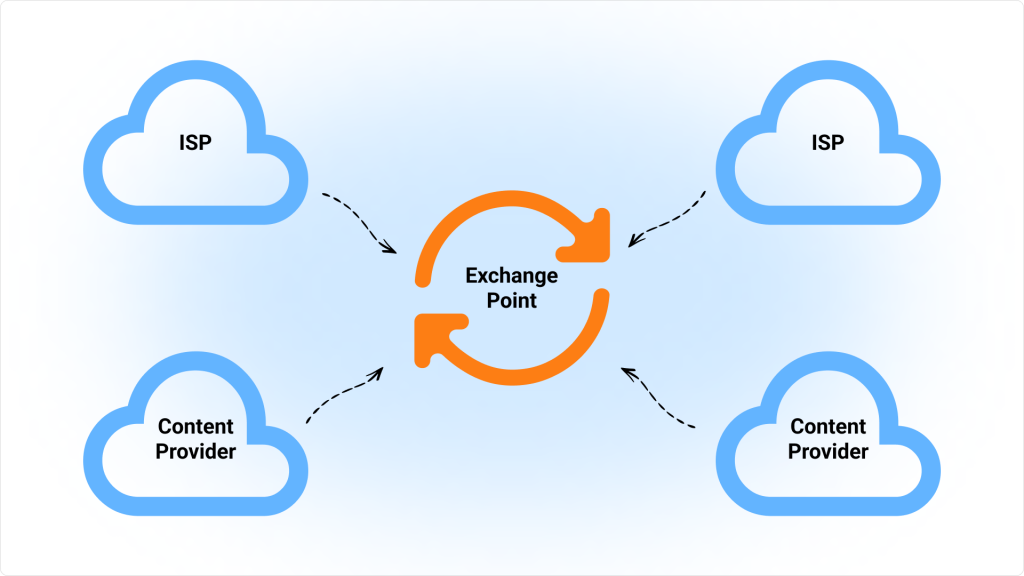
Bill Woodcock of Packet Clearing House explained how, where, why, and when an ISP should build IXPs (short answer: to get up to 45% of the traffic for free) at one of their recent workshops. Here are some main points from it:
You can view it in full at the link.

MDU Wi-Fi onboarding: let residents sign up, pay, and connect on their own
Give every apartment a QR card and let residents sign up, pay, and get a private Wi-Fi password on a shared SSID, withou...

What is mPSK? Multiple PSK for simple per-device control of Wi-Fi networks
mPSK support is part of Splynx, so you can easily segment your WiFi Network with Private Pre-Shared-Keys without requiri...

Improve Non-Payment Handling with Splynx DNS Blocking
Tackle non-payments more proficiently by redirecting blocked customers to a landing page. From there, they can easily ac...
Switch to the safe side and let network engineers sleep well at night
Running a local ISP comes with enough challenges — worrying about network failures and blocking non-paying customers d...

Using TR-069 ACS to Deliver High-Quality Wi-Fi to Residential Customers While Cutting Costs
TR-069 ACS isn't a magic pill for all troubles, but it can make your life much easier. This article we'll guide you thro...

Simplifying Network Management for ISPs with Splynx Network Sites
Splynx Network sites bring ISPs around the world more streamlined client communication and efficient tracking for all yo...
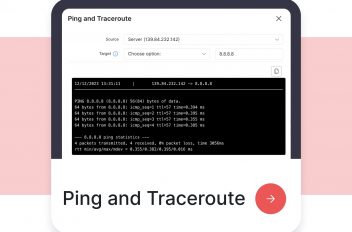
Simplifying network troubleshooting with Ping and Traceroute features
Explore Splynx 4.2's Ping and Traceroute features, simplifying network troubleshooting and boosting ISP team efficiency.
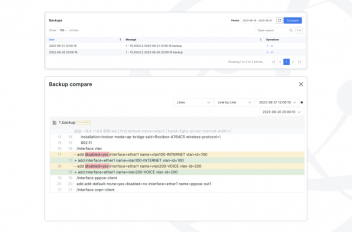
Hardware Backup & Change Management in Splynx
Maintaining network stability and reliability is paramount for both ISPs and their valued customers. To address this, Sp...
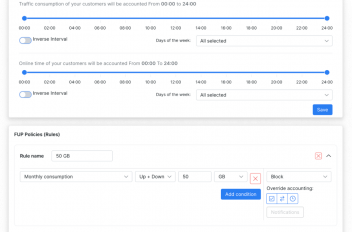
Bandwidth management in Splynx
As a local ISP business owner, ensuring efficient bandwidth management is crucial for maintaining customer satisfaction ...
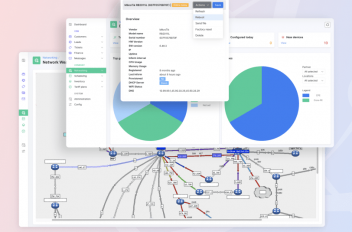
Streamlining network management: A closer look at Splynx’s capabilities
Efficient network management is essential for ISPs to deliver reliable and high-quality services to their customers. Wit...
Find out how Splynx helps ISPs grow
Learn more