


WhatsApp for ISPs, built into Splynx.
Send bulk campaigns or outage alerts to selected customer groups, answer support questions, and follow up on payments, all from the same place you manage billing, tickets, and customers.
 WhatsApp Integration
The basics you count on now over WhatsApp.
Chats from known numbers land on the right customer. For an unknown number, link the chat to an existing customer or create a lead in a couple of clicks.
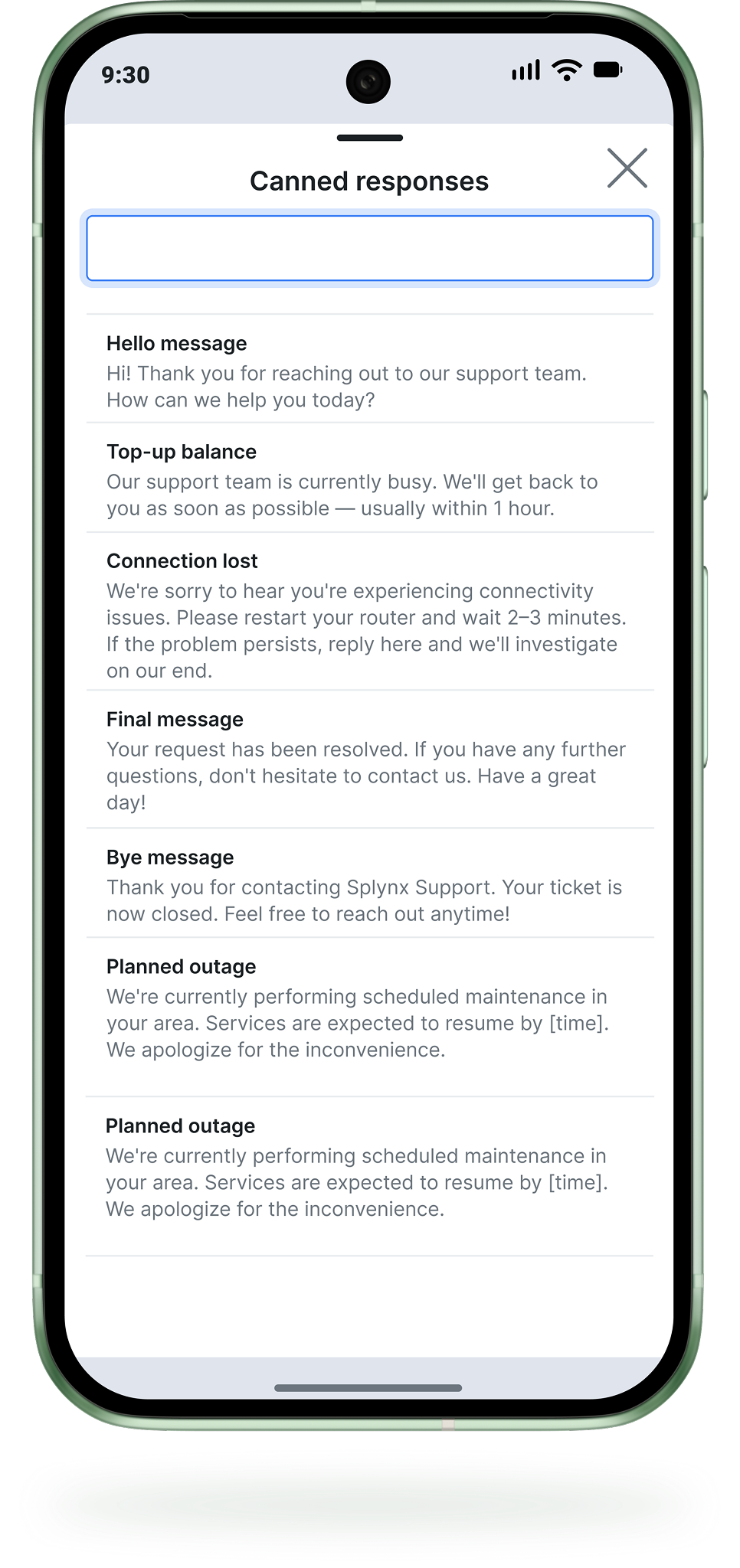
Type / in the reply box to search your canned responses and insert one in a click, so every agent answers the same way.
A chat widget on every Splynx page shows new WhatsApp conversations with unread counters, so agents reply without leaving their current screen.
Turn any message into a new ticket or link it to an existing one right from the chat. The conversation stays attached to the ticket.
Receive and send photos, documents, voice notes and locations. Customers show the problem, agents see it in the chat.
Build templates with placeholders such as the customer's first name, submit them for Meta approval and preview the final message before sending.
Mass Messaging
Notify hundreds of customers at once
Planned outage, maintenance window, promo or billing reminder? Send a bulk WhatsApp message to the right customer group using approved Marketing templates.
Meta-approved templates.
Create templates in Splynx, submit them for Meta approval and send. Placeholders personalise every message, such as the customer's first name.
Targeted recipient filters.
Filter by partner, location, network site, tariff plan, billing type, or service. Reach exactly the customers affected.
Delivery status per message.
Track every message as Queue, Sent, Delivered, Read or Failed in the WhatsApp log, updated as Twilio reports back.
Built-in STOP/START opt-out.
Customers reply STOP to unsubscribe, START to resubscribe. Marketing templates include the opt-out footer automatically.
Splynx CommsApp.
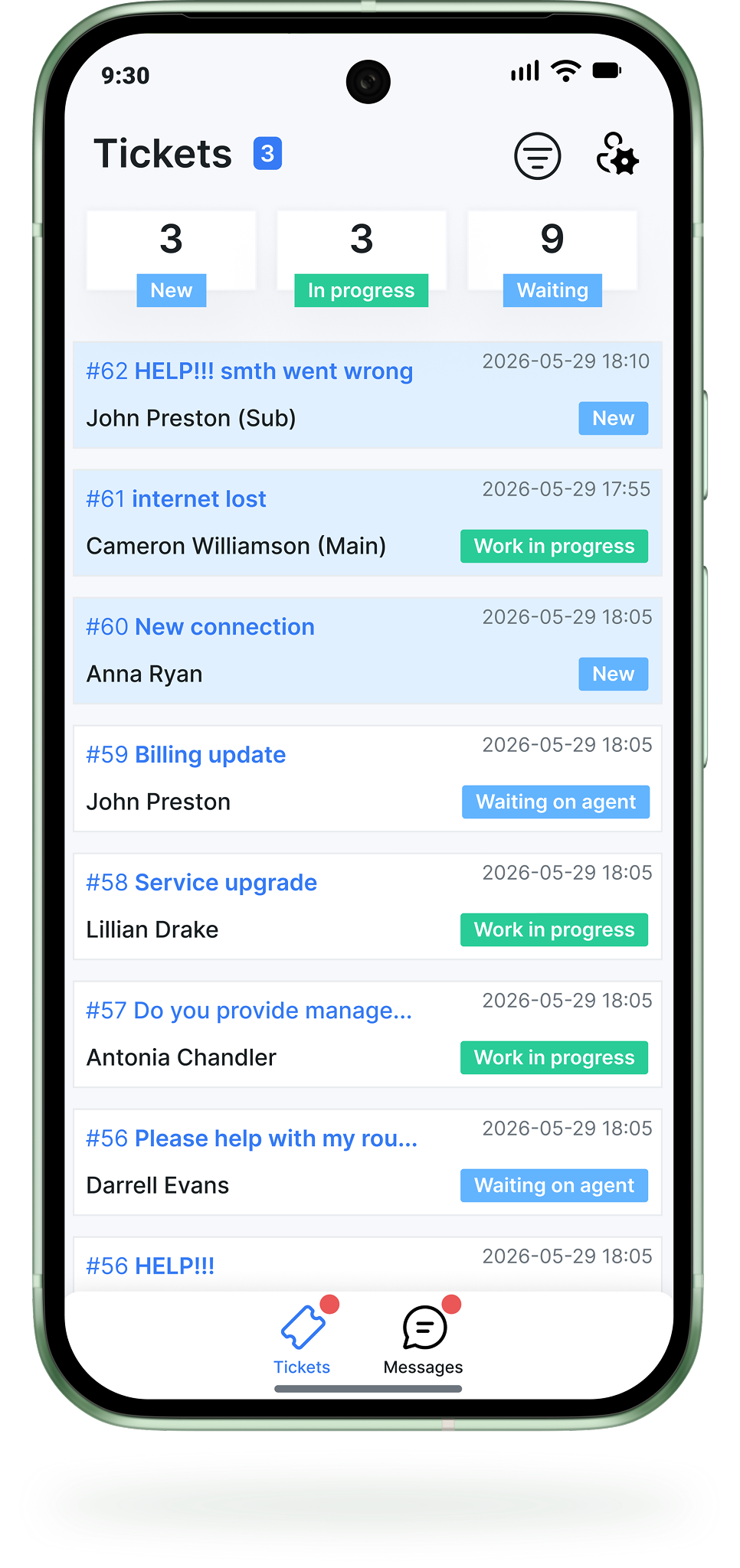
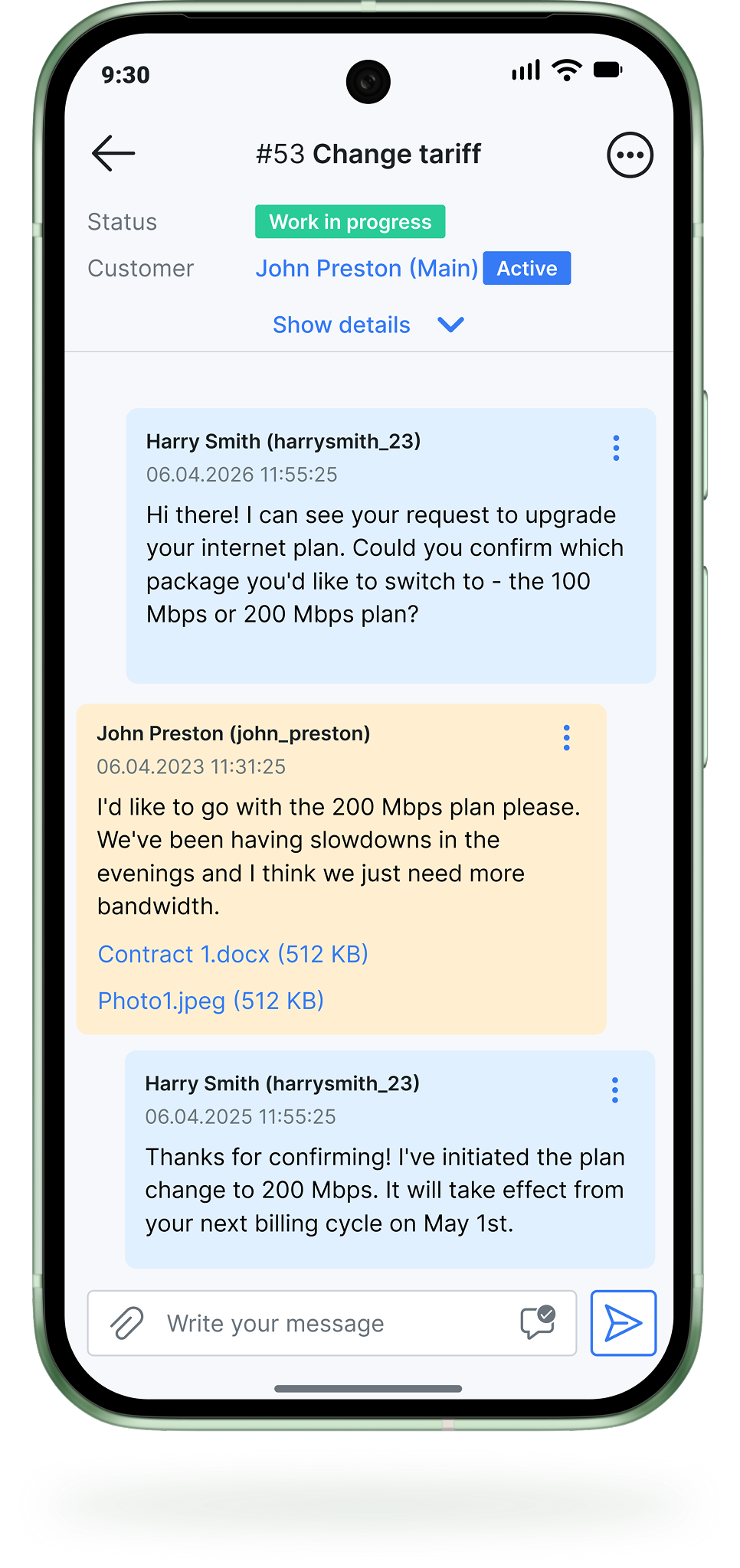
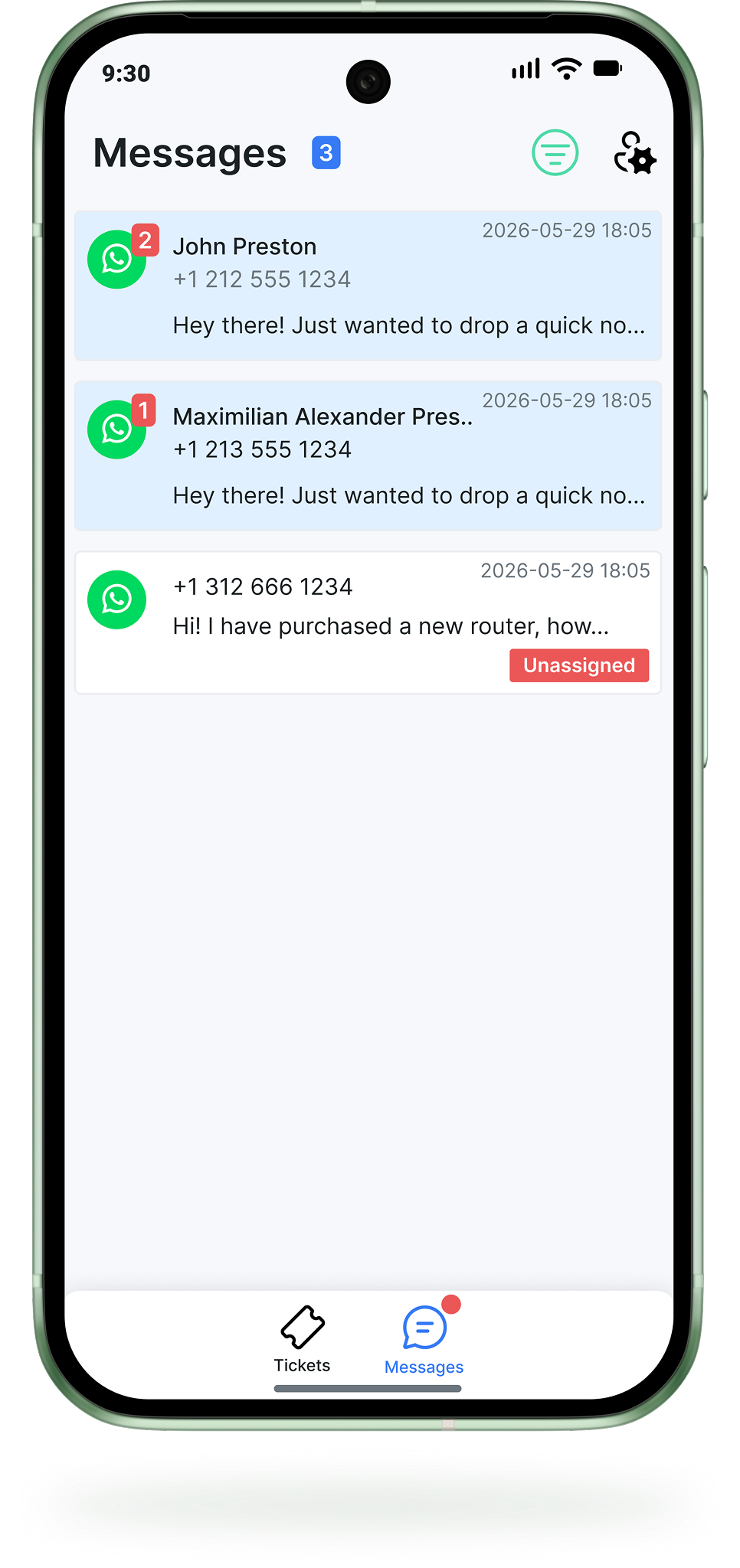
The Splynx CommsApp lets support agents handle WhatsApp conversations and tickets from their phone. Same data, same workflows, anywhere.
Stay available and responsive even away from your desk.
Reply, update and resolve right from your phone.
Handle WhatsApp conversations from anywhere.
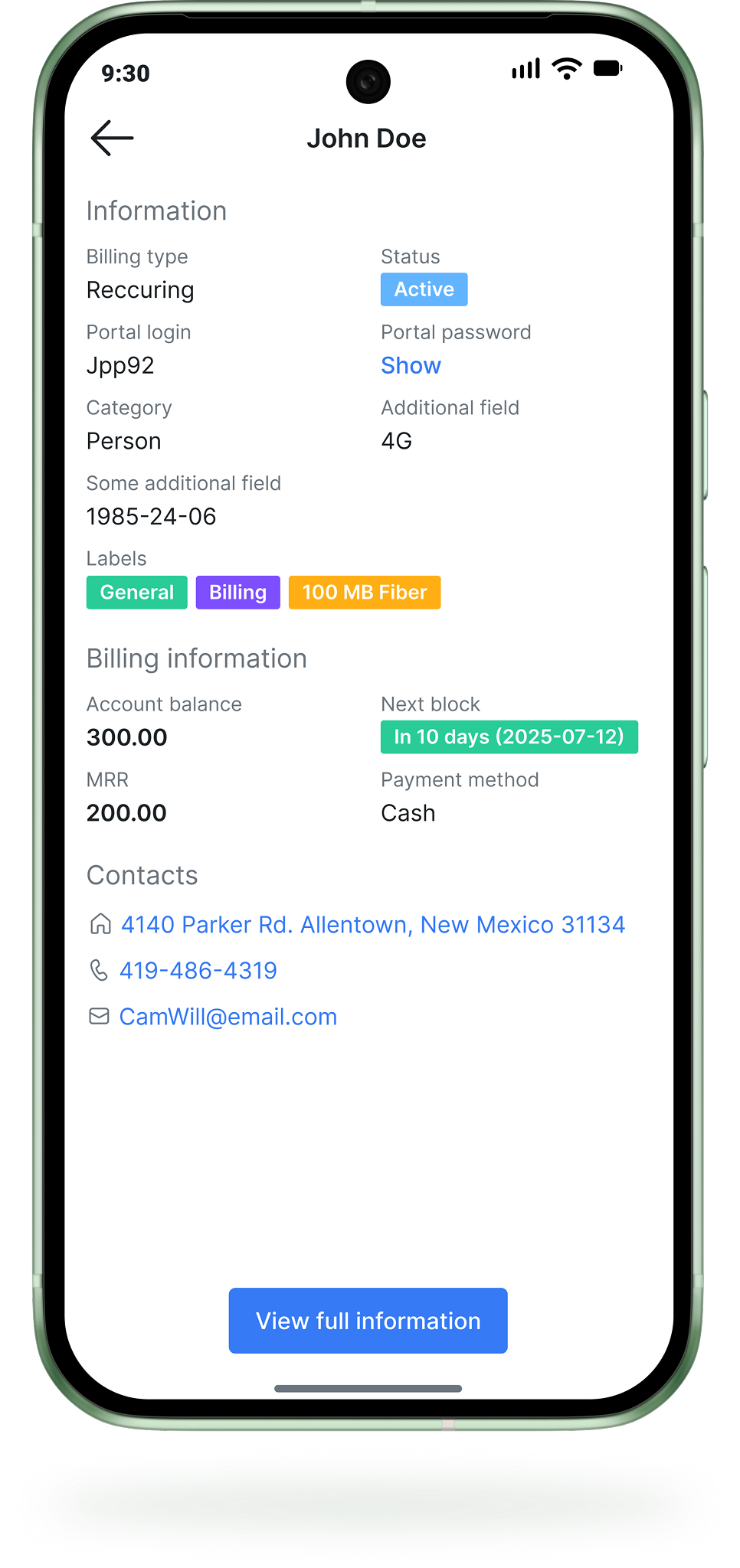
Access customer details instantly from any ticket or message.
Use pre-written replies to handle common requests in one tap.
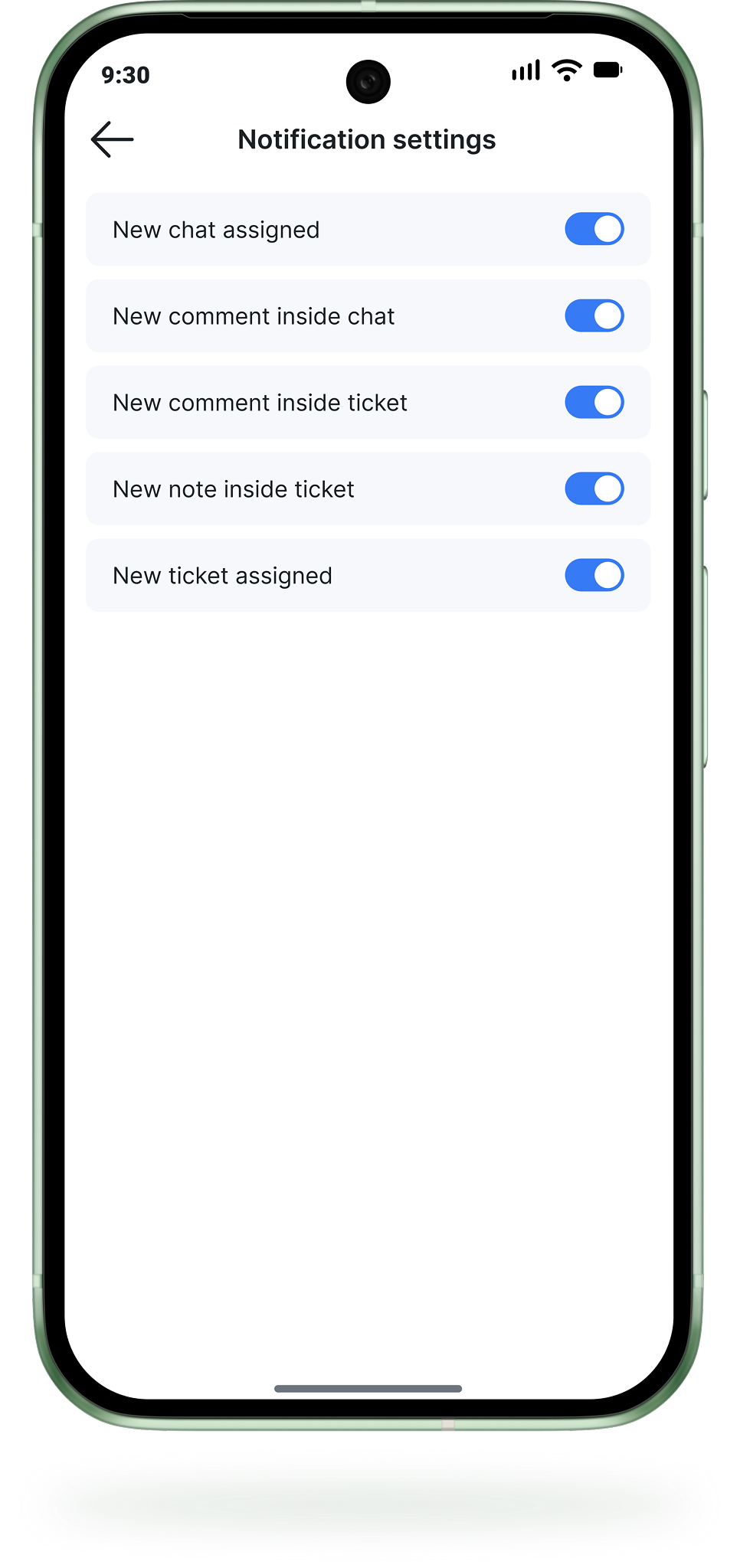
Instant push notifications for new tickets and incoming messages.
 Connection Flow
How to connect WhatsApp to your Splynx.
-
Get a Twilio account and a WhatsApp sender.
Register and upgrade a Twilio account, then connect your WhatsApp number and get the sender approved by Meta.
-
Connect Twilio and Splynx.
In Twilio, point your Messaging Service to the two Splynx webhook URLs. In Config → Helpdesk → WhatsApp, enable the integration and enter your Account SID, Auth token, Messaging Service SID and WhatsApp number.
-
Create a template and start chatting.
Create a message template in Splynx and submit it for Meta approval. It is required for conversations your team starts.


 Built on Splynx
Acerko × Splynx × Elsa.
A local ISP on Spain's Costa Brava built their own AI assistant called Elsa. Customers text on WhatsApp, Elsa answers.
-
50%less customer support workload
-
90%of routine queries resolved without a human
-
24/7multilingual support with no additional staff

“The information in Splynx is so broad that if you can extract it intelligently, using AI, using the MCP server, it’s so much better and simpler. The data is all there. And if we now have MCP, even better.”

Frequently Asked Questions
Omnichannel communication
Unified personalized experiences across all channels
All customer communication organised in a single tab, making every channel faster and easier to work with.